

Automating accounting: what Swiss SMEs can really automate in 2026
Invoices that book themselves, bank reconciliation, supplier invoices without retyping, Form 100 from the ledger: what SMEs can automate – and what not.
Contents
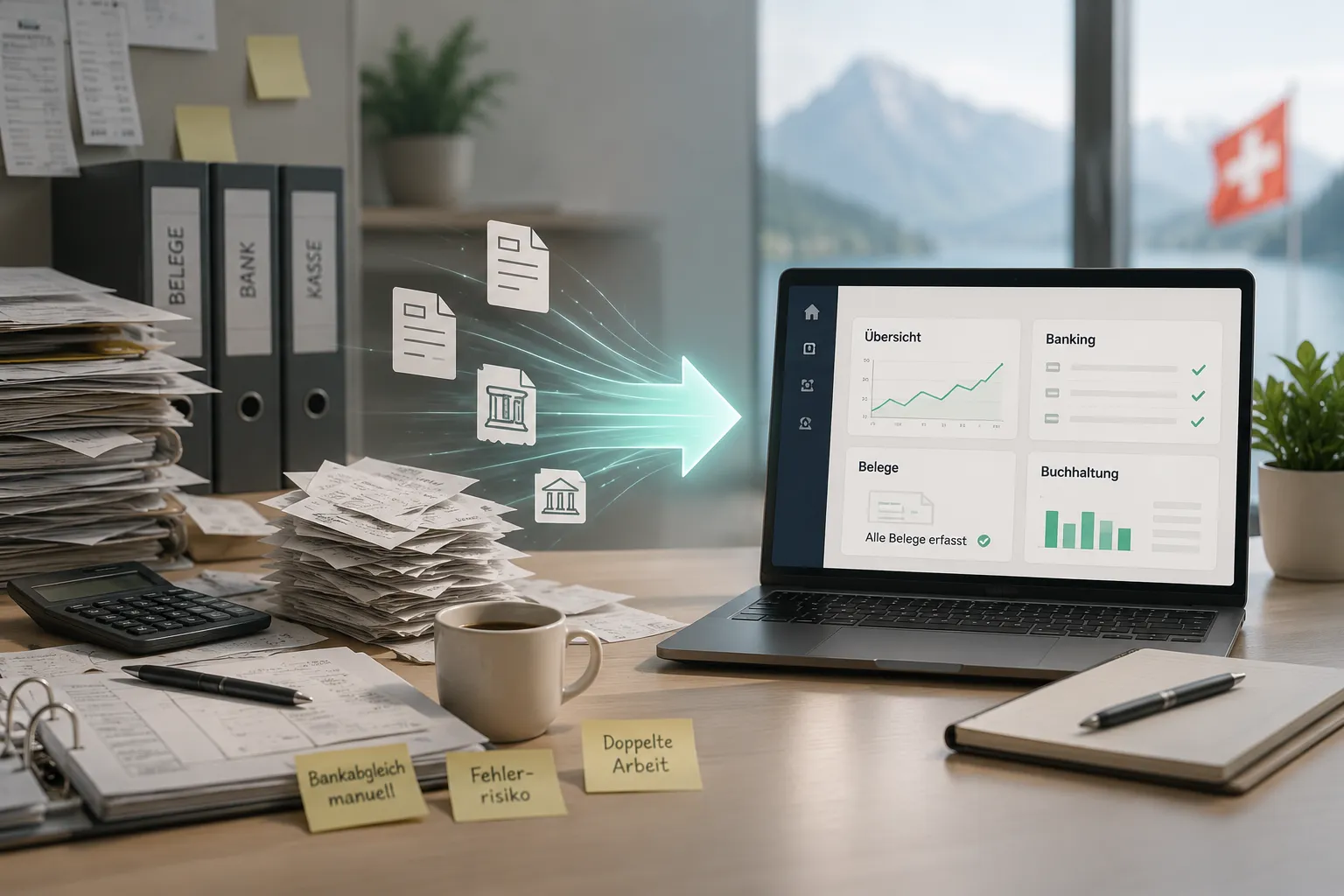
In a typical SME, the same amount is handled by hand three or four times. It sits on the invoice written in Word. It is retyped into the accounting software. It shows up on the bank statement and is ticked off there. And at the end of the quarter it is added up once more for VAT.
Each of these steps takes time, and each is a chance for a typo. The real problem, though, is not the individual minute but that the figures then live in four places and never quite match.
“Automating accounting” is therefore less about software making decisions. It means that an amount is recorded once and then gets to where it belongs on its own. This article walks the chain from order to year-end close and shows, at each link, what Saldio takes over — and what deliberately stays with you.
Sales invoices: booked when sent
The first step is the simplest: an invoice created and sent in Saldio posts to the journal automatically. There is no second entry in accounting and no export.
The invoice carries a QR payment slip with a unique reference and, if you want, an embedded e-invoice. If you turn a quote into an order and the order into an invoice, you also type the line items only once. The process is described in the article on invoicing.
Incoming payments: bank statement instead of ticking off
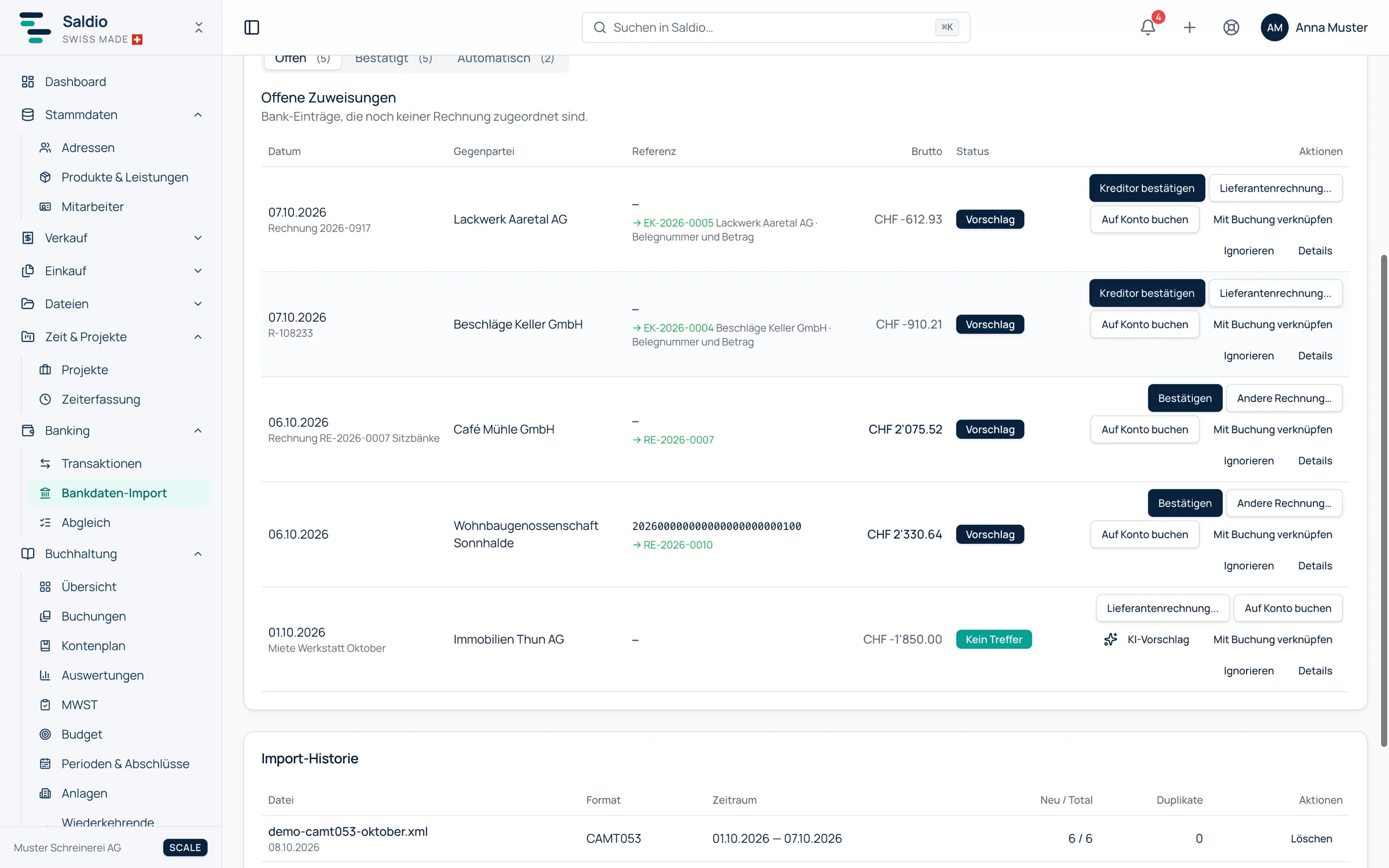
The second step saves the most time. Instead of searching for payments in e-banking and setting invoices to “paid” by hand, you upload the bank statement — as CAMT.053 or CAMT.054, up to 20 files at once. Saldio splits batch credits with several payments into individual lines, each with its own QR reference.
Where there is no room for judgement, the import books by itself: if the payment reference and amount match an open document exactly and unambiguously, the payment is assigned without asking. Everything booked automatically is listed in the Automatic tab, with the reason, and can be reversed in bulk from there.
For all other lines Saldio looks for the matching document and makes a suggestion: for incoming payments by payment reference, invoice number or payer and amount; for outgoing payments by reference, the supplier’s IBAN or name. Each suggestion states its reason. If the amount differs, Saldio names the likely cause — cash discount, exchange difference, bank charges or rounding — and books the difference on confirmation. If a line only fits within a tolerance, Saldio never books it on its own.
Details are in the articles on CAMT import and bank reconciliation.
Supplier invoices: read instead of retyped
Incoming invoices are where most retyping happens. In Saldio you drop them into the upload centre, as PDF or photo. Recognition follows a fixed order: first embedded e-invoice data, then the Swiss QR code, and only after that — and only if something is still missing — AI document recognition. If everything has been read by then, the AI never runs.
Then twelve fixed document checks run: does the sum of line items match the net amount? Net plus VAT the gross? Is the IBAN check digit valid, is the date in a locked period? For each line item Saldio suggests the expense account, first from earlier documents of the same supplier. Book unambiguous then takes over all documents in a selection that have a clear supplier and no check finding.
Payment runs via a pain.001 payment file that e-banking reads in. How this works without AI is shown in Reading supplier invoices automatically — without AI; the formats in detail are covered in How PDF, QR and e-invoices are imported.
Fixed costs and bank lines without a document
Rent, insurance, subscriptions: for recurring fixed costs you set up rules in Saldio that book monthly, quarterly or yearly on a fixed day. They can be paused, and an execution history shows for each date whether the entry was made.
Bank lines with no document — bank charges, a card payment — are booked directly to an account in bank reconciliation: counter account, VAT rate, booking text. Saldio works out the tax from the bank amount.
If such a line recurs, a bank rule takes over: conditions such as counterparty, IBAN, payment reference or amount range, plus an action. If you book the same counterparty to the same account by hand a second time, Saldio asks “Always book like this?” and creates the rule if you want. Without Book automatically the rule appears as a suggestion; with it, the import books the line itself. Rules only apply when no document matches the line — so a customer payment is never booked as an expense by mistake.
VAT: Form 100 is already there
If invoices, supplier documents and bank lines end up in the general ledger anyway, the VAT return at the end of the quarter is no longer a project. Saldio calculates Form 100 from the entries, creates the settlement entry with Settle and book and exports the eVAT file for the ESTV portal. Bank reconciliation then recognises the payment of the amount due.
The process is described in the article on VAT processing, the control via codes in the article on VAT codes.
Closing: month by month
Most of the year-end close can be prepared before the year is over. Monthly periods are locked as soon as they are reconciled; a settled VAT quarter locks itself. The depreciation run books depreciation for all assets of a fiscal year in one step. At the end, a preview checks four conditions before the year is closed. More on this in the article on year-end closing preparation.
The chain at a glance
| Step | Usually by hand | Automatic in Saldio | Stays with you |
|---|---|---|---|
| Invoice | write in Word, retype | entry on sending | check and send the invoice |
| Incoming payment | search in e-banking, tick off | exact matches booked, otherwise suggestion with reason | confirm unclear cases |
| Supplier invoice | retype, assign accounts | read, check, suggest account | resolve findings, approve |
| Fixed costs | book every month | rule books on the due date | set up the rule once |
| VAT | add up accounts, retype | Form 100, entry, XML | review, submit |
| Closing | clean up in January | period lock, pre-checks | accruals, confirm the close |
What Saldio deliberately does not automate
- No automatic dunning run. Reminders are only created when someone triggers them and only go out after a second step — see dunning.
- No matching within a tolerance. If a bank line only roughly fits an invoice, Saldio never books it on its own. And whatever was booked automatically is traceable, with its reason, in the Automatic tab.
- No AI without your consent. The AI features can be switched off per tenant. No document is then sent to the AI model; e-invoices and QR codes are still read.
- No filing with the ESTV. Saldio creates the file; you submit it.
- No judgement calls. Accruals, provisions, private shares: anything that needs judgement is booked by a person.
Conclusion
The biggest lever in automation is not a single feature but having everything in one system. An invoice that books itself when sent is worth half as much if the payment is then ticked off in another program.
Saldio connects order, invoice, bank, supplier documents, VAT and closing in one general ledger. What is left is the work that genuinely needs judgement: checking, confirming, deciding.
Which features come with which plan is shown in the feature overview and on the pricing page. You can try Saldio free for 7 days, no credit card required.
From order to balance.