

QR Bills in Saldio: Understanding References, Booking Automatically
QR-IBAN, QR reference, RF reference: what the Swiss QR code contains, what Saldio checks and how a QR bill is booked via pain.001 to the bank line.
Contents
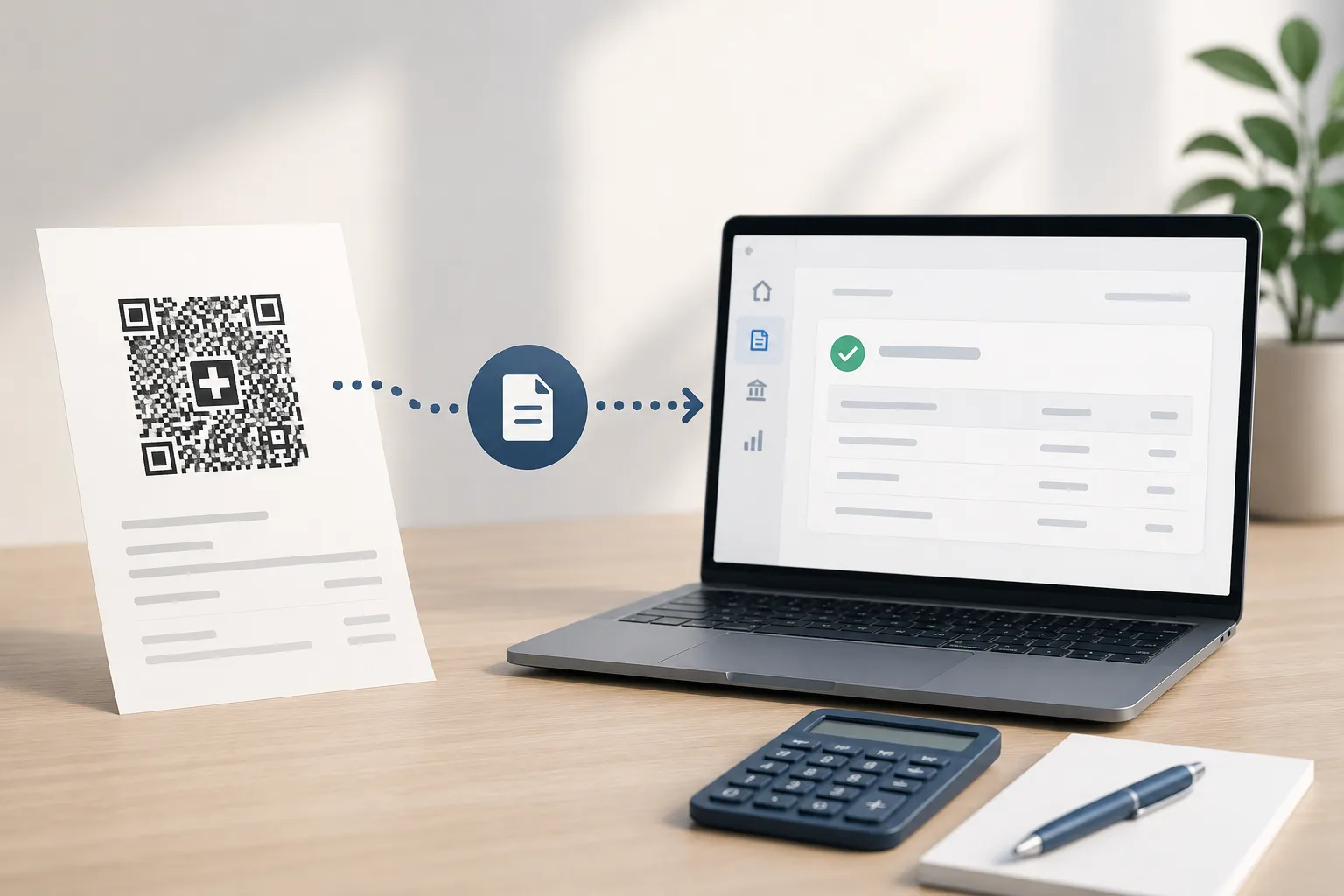
Since 30 September 2022 the orange payment slip has been history. Every Swiss invoice with a payment part now carries a Swiss QR code, and in most SMEs it is used exactly once: to scan it in e-banking.
That is a pity, because the QR code can do more. It carries a reference that comes back unchanged on the bank statement — and with it the link between invoice, payment and entry that you would otherwise search for by hand.
This article explains what is in the QR code, which reference types exist, and how Saldio carries a QR bill from the document to the paid payables entry. How the document is read technically is covered in the article on document import.
What is in the QR code
The payment part follows the SIX implementation guidelines. Some fields are mandatory, some optional:
| Fields | |
|---|---|
| Always | IBAN or QR-IBAN of the biller, name and address, currency (CHF or EUR only), reference type |
| Optional | amount, reference, unstructured message, billing information following Swico S1 |
| Never | invoice line items |
Two points matter in practice. First, even the amount is optional — a donation slip comes without one. Second, invoice number, invoice date and VAT details are only in the voluntary Swico add-on. Which field Saldio reads from where is covered in detail in Reading Supplier Invoices Automatically – Without AI.
Three reference types, two kinds of account
The core of it for accounting is the reference. The standard knows three types, and which one is allowed depends on the kind of account:
| Type | Reference | Allowed with |
|---|---|---|
| QRR | QR reference, 27 digits, last digit is a recursive modulo 10 check digit | QR-IBAN only |
| SCOR | Creditor Reference following ISO 11649, starts with RF | regular IBAN only |
| NON | no reference | regular IBAN only |
A QR-IBAN looks like a regular IBAN but sits in a reserved range of the bank identifier (IID 30000–31999). It strictly requires a QR reference, and a QR reference strictly requires a QR-IBAN.
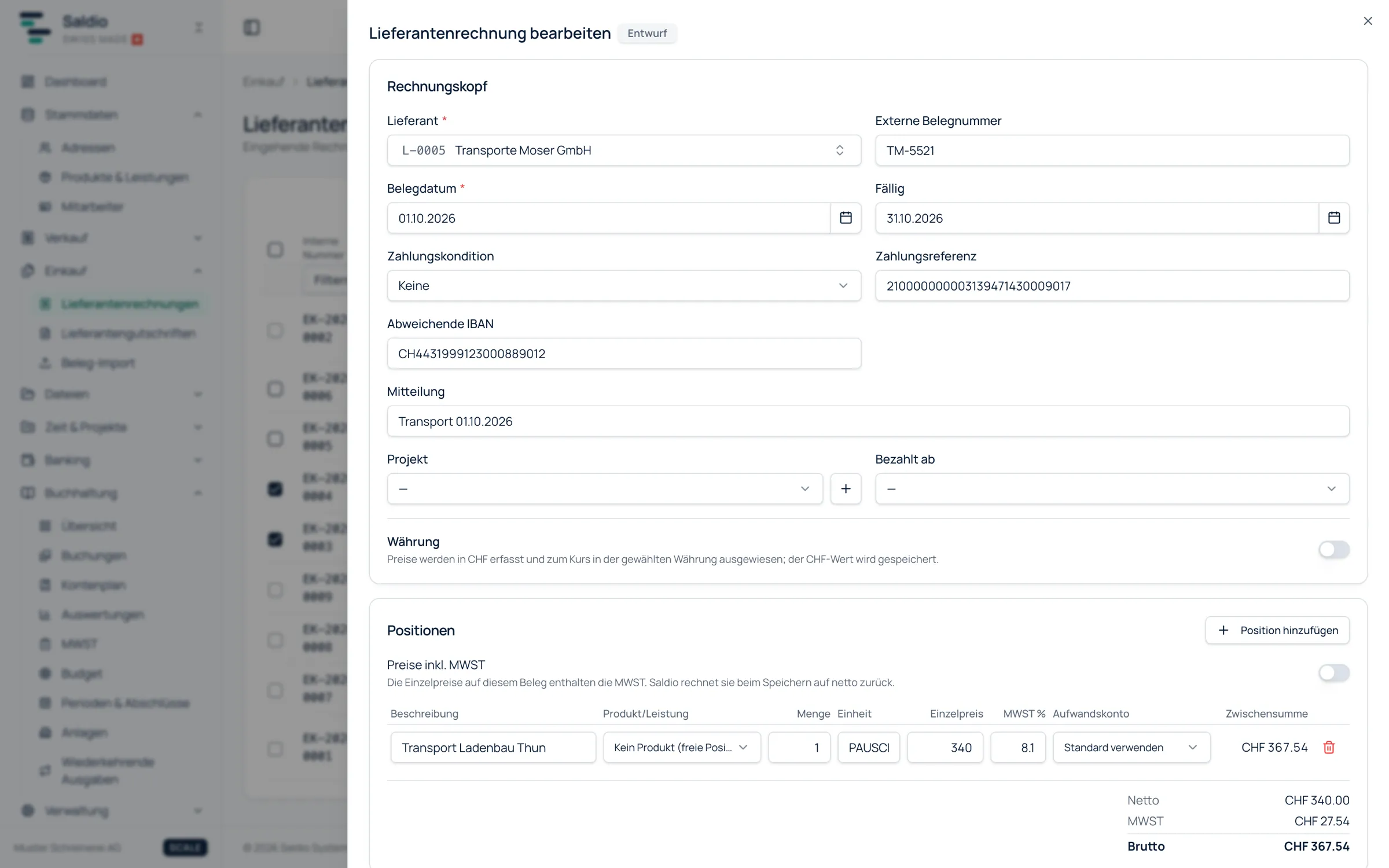
Saldio checks exactly this rule when a supplier invoice is recorded: QR-IBAN only with a QR reference, QR reference only with a QR-IBAN, otherwise a reference must start with RF. On top of that come the check digits of IBAN, QR and RF reference. A typo in a 27-digit number is caught on save, not when the bank rejects the payment.
Foreign suppliers without a QR code have none of these references. For them Saldio allows free remittance text of up to 140 characters instead of a QR or RF reference.
Your own side: references on outgoing invoices
The same logic applies in the other direction. Invoices from Saldio carry a QR payment slip, and Saldio assigns the reference itself: a QR reference if a QR-IBAN is stored in the company settings, otherwise an RF reference. Saldio derives the QR reference from the invoice number.
When the customer pays with the QR code, exactly this reference comes back on the bank statement. If, together with the amount, it matches exactly one open invoice, bank reconciliation books the payment during the import on its own, without a click. More on the outgoing side in the article on invoicing. A step-by-step guide is in How to create a QR bill.
From document to paid invoice
A supplier’s QR bill passes through five stations in Saldio.
1. Record. The document comes in through document import or is entered by hand. IBAN, reference, amount and biller come exactly from the QR code; whatever is missing gets filled in. It is first saved as a draft.
2. Book. With Save & book or the batch Release, the invoice becomes Open. Only now is the entry created: expense and input VAT against accounts payable.
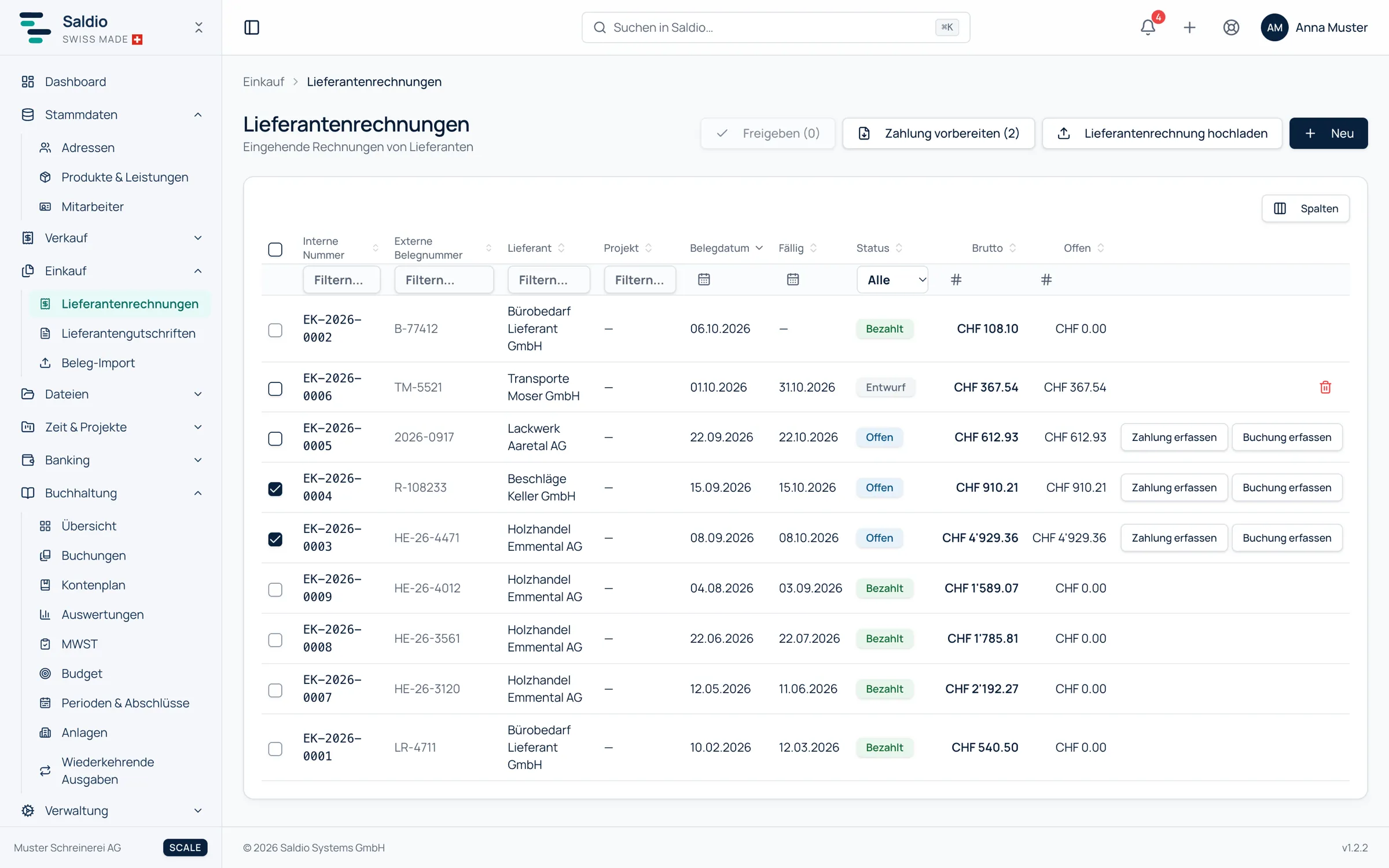
3. Prepare the payment. In the supplier invoice list, select the documents that are due and click Prepare payment. Saldio generates a payment file in pain.001 format that you upload to e-banking — with IBAN and reference from the QR code, foreign IBANs included. Partially paid documents go into the file with their open remainder. Anything that has already been in a payment file then carries the note Payment file created with a date.
4. Match the payment. The debit appears on the bank statement, which is read in as a CAMT file. Because the bank passes the same reference along, Saldio finds the supplier invoice by reference and amount. If both match exactly and unambiguously, the import books the payment itself: accounts payable against bank.
5. Paid. The invoice status follows the payment and is not set by hand. A partial payment leads to Partially paid, a full one to Paid.
An example with the effective VAT method: an invoice from a print shop for CHF 1,081.00, of which CHF 81.00 is VAT at 8.1 %.
| Station | Debit | Credit | Amount |
|---|---|---|---|
| Book invoice | Expense account | Accounts payable | 1,000.00 |
| Book invoice | Input VAT | Accounts payable | 81.00 |
| Payment from bank reconciliation | Accounts payable | Bank | 1,081.00 |
Saldio suggests the expense account per line item, based on earlier documents from the same supplier.
When the bank debits more or less
Not every payment hits the invoice amount to the centime. If you deduct a cash discount or fees are added, Saldio still suggests the supplier invoice — by reference, with a note that the amount differs. In the confirmation dialog Saldio names the difference as cash discount, bank fees, exchange difference or rounding, and the invoice then counts as fully settled. In this case nothing is ever booked automatically, because a tolerance is involved.
A remainder without a bank line — discount, rounding, goodwill — can also be closed to an account as a difference directly on the supplier invoice when recording the payment.
What Saldio deliberately does not do
- No payment execution. Saldio generates the pain.001 file; the payment is executed in e-banking — with the approval that applies there anyway.
- No guessing of references. A payment reference from the QR code is never replaced by an estimated value.
- No booking without release. An imported QR bill stays a draft until someone books it.
- No manual status. An invoice becomes paid by recording or matching a payment — not by flipping a field.
- No QR payment part outside CHF and EUR. The standard does not allow it, and neither does Saldio.
Conclusion
The QR bill is more than a machine-readable payment slip. Its reference connects the document with the payment and the payment with the bank line — in both directions, for customer and supplier invoices alike.
Saldio uses that consistently: the reference comes exactly from the QR code, is checked on save, goes into the pain.001 file and comes back via the bank statement. There it is enough to book the payment without a click.
From order to balance.